The short answer
In this article
01
What counts as a comp
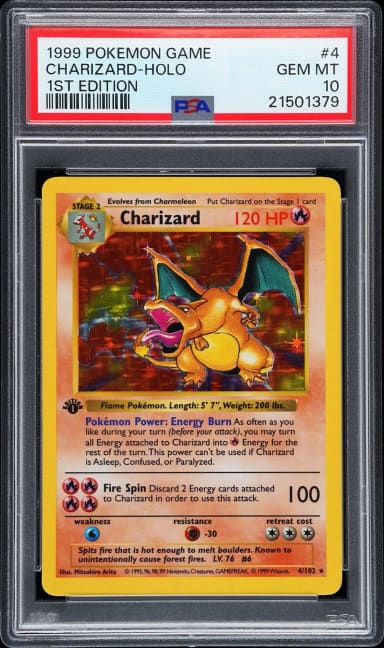
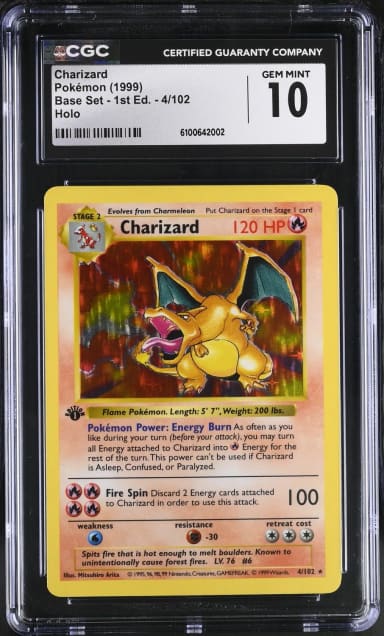
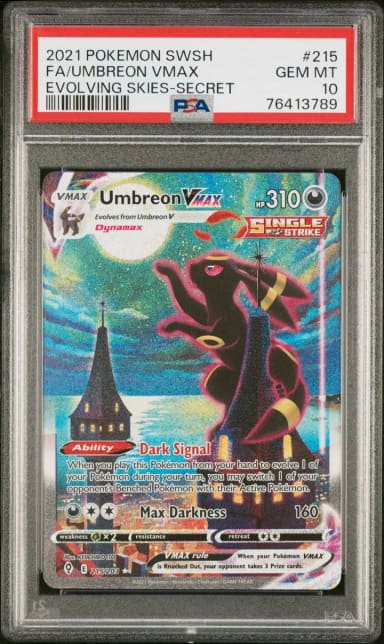
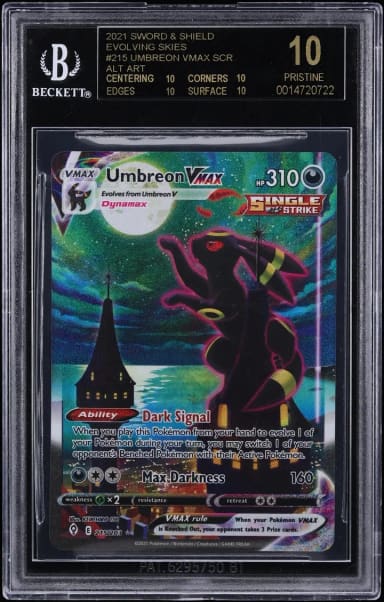
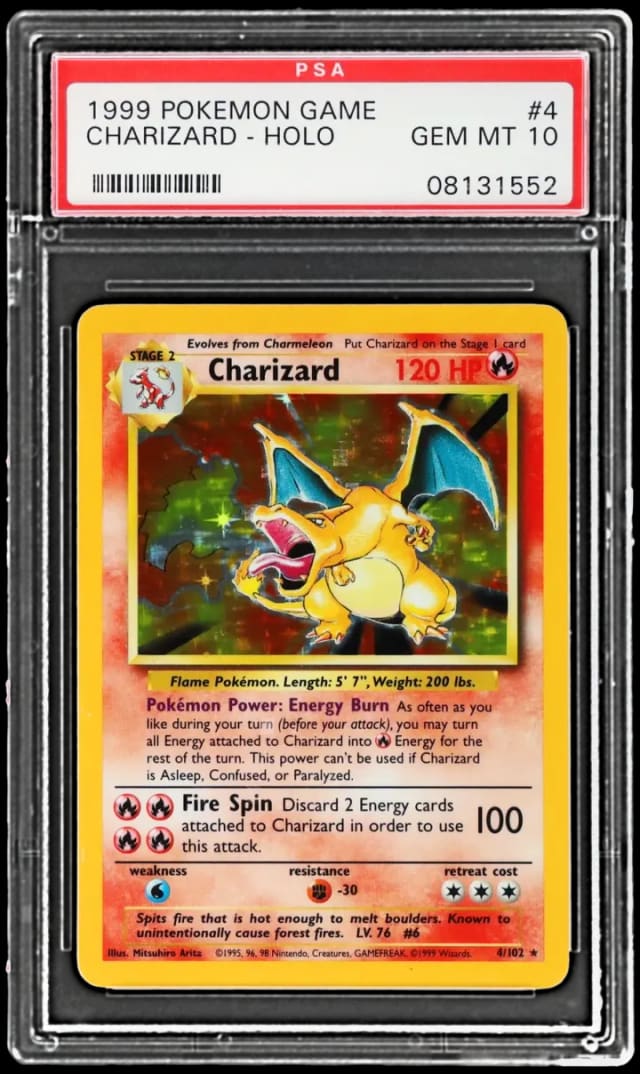
A comp (a comparable sale) is a completed sale of the same card, graded by the same company, at the same grade. It is the closest thing a graded card has to a market price, because it is what a buyer last paid for the thing you are looking at.
- Not a comp: an asking price, an auction that ended unsold, or an offer somebody says they received.
- Not a comp: a different printing or language of the card. A 1st Edition and an unlimited copy share a picture and nothing else.
- Not a comp: a different grader or grade. A PSA 9 sale does not price a PSA 10, and a CGC 10 does not price a BGS Black Label.
02
1. Find the exact card
Read the slab label in the seller’s photo: year, set, card number, language and any variety such as 1st Edition, Reverse Holo or a promo stamp. Search those together and open the card that matches all of them. If you have a photo of the slab and no patience for labels, the scanner on the Assetra home page accepts a camera shot or an uploaded picture and finds the card for you.
03
2. Open the sales at that grader and grade
Each card page on Assetra has a “Price by grade” table with one row per slab (PSA 10, PSA 9, BGS 9.5 and so on), showing the latest sale and its date, and a sales ledger you can filter to one grader and grade. Pick the row that matches the slab on offer. If that grade has never sold, the grades on either side bracket it, which is covered in how to value a graded card.
04
3. Read the latest sale against the one before it
One sale is a data point. Two or three tell you which way the card is moving. For each sale, look at three things:
- The date. A sale from last week is a price. A sale from a year ago is where the conversation starts.
- The venue. The ledger names the marketplace or auction house, and links to the listing where one exists, so you can see the photos of the copy that sold.
- The change. Assetra shows each headline sale against the previous sale at the same grade, so a jump or a drop is visible at a glance.
When the latest sale sits far from the ones before it, open it. A bidding war, a damaged case or a lot of several cards explains most outliers.
05
Where we use it: eBay, Carousell and Instagram
This is how we use Assetra ourselves when we buy.
- eBay and Carousell. A listing shows the seller’s price and nothing about what the card has sold for. Before making an offer we look the card up, open the grade and read the latest sales. It takes less time than writing the message.
- Instagram. Vendors around the world sell slabs in their stories and by direct message, often with nothing more than a photo and a price. Slabstory collects the graded slabs offered in collectors’ Instagram stories and makes them searchable by card or cert number, which is a quick way to see who is selling a card you want. The comps tell you what to offer once you have found it.
Sales agreed privately, on Carousell or in a direct message, are not in any ledger. The comps you are reading come from completed sales on the marketplaces and auction houses Assetra records, which is exactly why they are useful in a private deal: they are the prices neither side set.
06
Using comps to negotiate
Comps make a negotiation shorter and friendlier, because the two of you are discussing sales instead of opinions.
- Quote the sale, with its date and venue. “The last PSA 10 sold on this date at this house for this much” is harder to wave away than “that seems high”.
- Send the card page. A vendor who can open the same ledger knows you are not inventing the number.
- Mind what the recorded price includes. An auction house result includes the buyer’s premium, and a marketplace seller pays fees out of theirs. A direct sale has neither, which leaves room both sides can share.
- Accept a thin market for what it is. When a card has sold once in a year, the comp is a reference and the price is whatever the two of you agree.
07
Before you pay
A price is only fair if the slab is genuine. Look the cert number up with the grader and compare their record to the photos, as set out in how to verify a graded slab. An asking price far below the comps is a reason to check harder, not a reason to hurry.
If the price is not right today, add the card to your watchlist at the grade you want. The next sale reaches you as an alert, and so does the next lot that comes up for auction.
About this article
Written and checked by Assetra. Prices and populations come from completed sales and the graders’ population reports as recorded in Assetra’s ledger; see how Assetra builds its figures. Spotted a mistake? Tell us.