Favourites
Your favourite listings
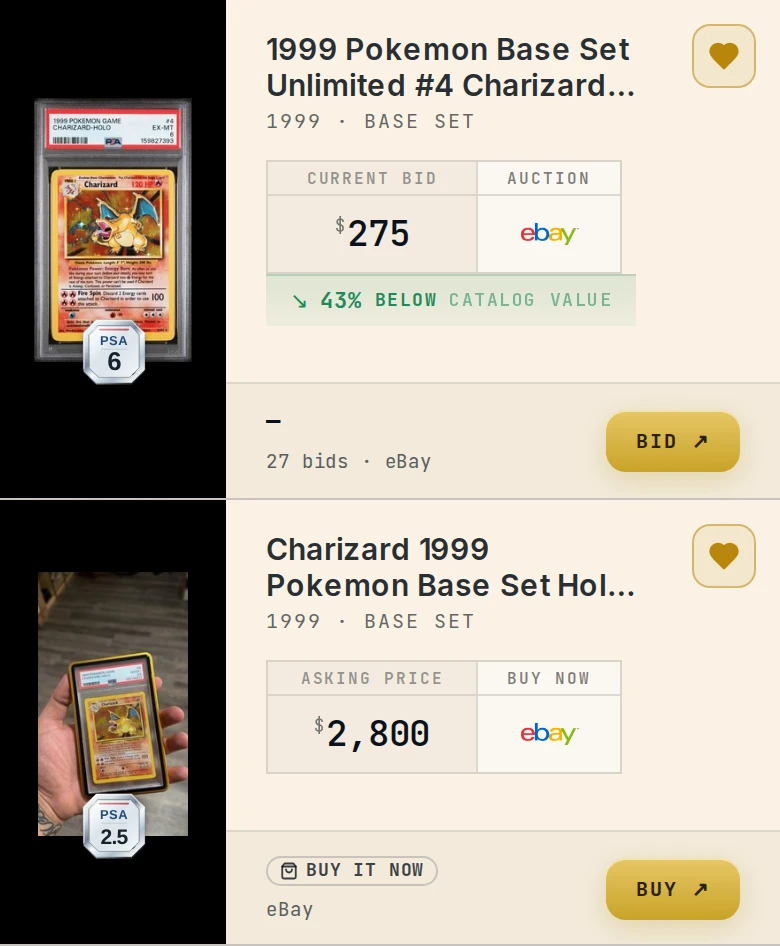
Keep the auctions and Buy It Now listings you’re considering together. Check asking prices and current bids, and see which auctions close next.
Free account · PSA, BGS, CGC and SGC · Web and iPhone
⏰ Final 15 min · JP Basic Gastly PSA 10
$135 on eBay, 62% below catalog value
Save a listing
Step 1
Find a listing
Browse the live listings or open a marketplace listing from a card’s comps page.
Step 2
Tap the heart
Save the individual listing to your Favourites. Tap its filled heart to remove it.
Step 3
Check back
See your saved listings and follow an auction through to its close.
Common questions
Can I save two listings for the same card?
Yes. Each favourite is a specific marketplace listing, so you can compare several copies of the same card.
Where do closed listings go?
Choose Ended in your Favourites to find listings that have closed.
To track prices across sales of a card, add its grades to your Watchlist. The same account works in the Assetra iPhone app; see what the app does.